Support our educational content for free when you purchase through links on our site. Learn more
Are Hoverboards Hard to Learn? 9 Expert Tips to Master It Fast! 🛹 (2026)

So, you’ve seen those sleek hoverboards gliding effortlessly down sidewalks and wondered, “Are hoverboards hard to learn?” Spoiler alert: they’re way easier than you think! At Hoverboarding™, we’ve helped countless riders go from wobbly beginners to confident cruisers in under an hour. But don’t just take our word for it—did you know most people pick up the basics within 30 minutes?
In this article, we’ll break down everything you need to know about learning to ride a hoverboard—from essential skills and safety gear to the best beginner-friendly models. Plus, we’ll share insider tips from our team’s personal experiences and reveal common beginner pitfalls (and how to avoid them). Ready to roll? Keep reading to discover how you can turn those first shaky steps into smooth, stylish rides!
Key Takeaways
- Hoverboards are easier to learn than you might expect, thanks to self-balancing technology and intuitive controls.
- Most beginners achieve comfortable riding within 30 to 60 minutes of practice.
- Proper foot placement, mounting technique, and protective gear are essential for a safe and smooth learning experience.
- Choosing the right hoverboard model, like the Swagtron T580 or Segway Ninebot S, can significantly speed up your learning curve.
- Overcoming common challenges like fear of falling and balance issues is possible with patience and targeted practice.
Curious about which hoverboards are best for beginners or want a step-by-step learning guide? Dive into our expert insights and personal stories to get rolling with confidence!
Table of Contents
- ⚡️ Quick Tips and Facts About Learning to Ride a Hoverboard
- 🛹 Hoverboard History and How Learning Difficulty Has Evolved
- 🤔 Are Hoverboards Hard to Learn? Our Expert Take
- 1. Essential Skills You Need Before You Start Hoverboarding
- 2. Step-by-Step Guide: How to Learn Hoverboarding Like a Pro
- 3. Common Challenges Beginners Face and How to Overcome Them
- 4. Top Hoverboard Models for Easy Learning and Stability
- 5. Safety Gear and Precautions to Make Learning Safer and More Fun
- 6. Tips From Our Team: How to Speed Up Your Hoverboard Learning Curve
- 7. How Age and Fitness Affect Hoverboard Learning Difficulty
- 8. Hoverboard Troubleshooting: What to Do When Things Go Wrong
- 9. Advanced Hoverboarding Techniques: When You’re Ready to Level Up
- 🔗 Recommended Links for Hoverboard Enthusiasts
- ❓ Frequently Asked Questions About Hoverboard Learning
- 📚 Reference Links and Resources for Hoverboard Beginners
- 🎯 Conclusion: Is Learning to Ride a Hoverboard Worth It?
⚡️ Quick Tips and Facts About Learning to Ride a Hoverboard
Welcome to the thrilling world of hoverboarding! If you’ve ever wondered, “Are hoverboards hard to learn?”, you’re not alone. At Hoverboarding™, we’ve helped countless riders—from total newbies to seasoned pros—get rolling with confidence. Here’s a quick hit list of what you need to know before hopping on:
- ✅ Self-balancing tech makes hoverboards easier to learn than electric unicycles (source).
- ✅ Most beginners get the hang of balancing within 30 minutes to an hour of practice (source).
- ✅ Proper foot placement and pressure control are key—not body leaning!
- ✅ UL 2272 certification is a must for safety—avoid hoverboards without it (source).
- ✅ Protective gear (helmet, wrist guards, knee pads) is your best friend.
- ✅ Age and fitness affect learning speed, but anyone with decent balance can learn.
- ✅ Start on flat, open surfaces with no distractions.
- ✅ Mount and dismount carefully—one foot at a time is the golden rule.
Curious about the step-by-step secrets to mastering your first hoverboard ride? Or what brands make learning a breeze? Keep reading—we’ve got you covered with expert advice, real stories, and pro tips!
For a deep dive, check out our How Hard is it to Learn How to Ride a Hoverboard? 2023 article.
🛹 Hoverboard History and How Learning Difficulty Has Evolved
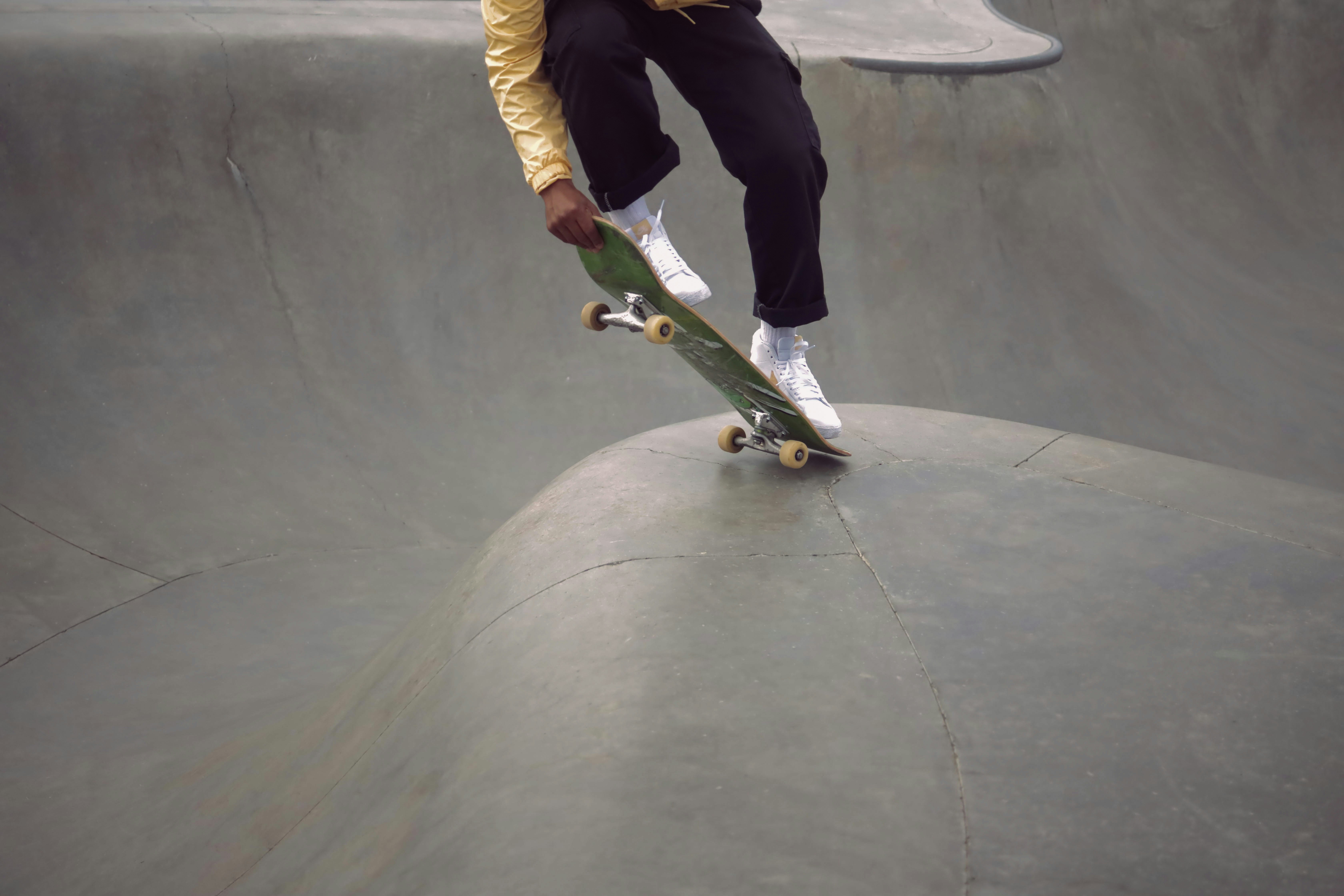
Hoverboards have come a long way since their debut in the early 2010s. The original models were clunky, heavy, and notoriously difficult to balance on. Early adopters often found themselves wobbling and falling, which gave hoverboards a reputation for being tricky to master.
The Evolution of Hoverboard Tech
- 2014-2016: The first hoverboards hit the market, but many lacked safety certifications, and battery fires were a real concern (source).
- 2017 Onward: UL 2272 certification became the industry standard, improving battery safety and boosting consumer confidence.
- Self-Balancing Gyroscopes: Modern hoverboards use advanced gyroscopes and accelerometers to self-balance, making them much easier to learn than earlier models.
- Improved Motors and Sensors: These improvements allow for smoother acceleration, more precise turning, and better responsiveness to rider input.
How This Affects Learning Difficulty
Thanks to these advancements, hoverboards today are far less intimidating for beginners. The self-balancing feature means you don’t have to be a circus acrobat to stay upright. Instead, you learn to control the board with subtle foot pressure, which feels more natural and intuitive.
Want to see how far hoverboards have come? Check out our Hoverboard History category for fascinating insights.
🤔 Are Hoverboards Hard to Learn? Our Expert Take
Let’s cut to the chase: Are hoverboards hard to learn? The short answer: Not really! But like any new skill, there’s a learning curve. Here’s what our expert hoverboarders at Hoverboarding™ say:
Why Hoverboards Are Easier Than You Think
- Self-Balancing Magic: The onboard gyros keep you upright, so you only need to focus on gentle foot pressure.
- Intuitive Controls: Lean forward to go forward, lean back to slow down or reverse, and tilt your toes or heels to turn.
- Quick Progress: Most riders feel comfortable cruising within 30-60 minutes of practice.
- Beginner-Friendly Models: Some hoverboards are designed specifically for newbies, with slower max speeds and extra stability.
What Makes Hoverboards Challenging?
- Mounting and Dismounting: This is the trickiest part for beginners. Jumping on or off too quickly can cause falls.
- Balance and Coordination: If you have poor balance or coordination, it might take longer to get comfortable.
- Surface and Environment: Uneven or slippery surfaces increase difficulty. Start on flat, smooth ground.
- Fear Factor: Sometimes, the hardest part is overcoming the fear of falling.
Our Verdict
Hoverboards are definitely easier to learn than electric unicycles (source). If you’re new to personal electric vehicles, a hoverboard is a fantastic starting point.
1. Essential Skills You Need Before You Start Hoverboarding
Before you step on your hoverboard for the first time, it helps to have a few basic skills in your toolkit:
Balance and Core Strength
- Why It Matters: Your core muscles keep you stable and help you react to the board’s movements.
- How to Improve: Try simple balance exercises like standing on one foot, yoga poses, or even skateboarding practice.
Foot Placement Awareness
- What to Know: Your feet should be placed squarely on the footpads, with heels just at the edge but not hanging off.
- Why It Helps: Proper foot placement ensures the sensors detect your pressure correctly, preventing sudden movements.
Patience and Focus
- Mental Game: Hoverboarding requires concentration, especially at first. Don’t rush.
- Tip: Practice in short sessions to avoid frustration and fatigue.
Basic Safety Knowledge
- Gear Up: Always wear a helmet, wrist guards, knee and elbow pads.
- Know Your Limits: Start slow and avoid busy or uneven areas.
2. Step-by-Step Guide: How to Learn Hoverboarding Like a Pro
Ready to roll? Here’s our detailed step-by-step guide to get you from zero to hoverboard hero.
Step 1: Choose the Right Location
- Find a flat, open, and smooth surface like an empty parking lot or a quiet sidewalk.
- Avoid slopes, gravel, or wet surfaces.
Step 2: Wear Protective Gear
- Helmet, wrist guards, knee pads, and elbow pads are non-negotiable.
Step 3: Power On and Check the Board
- Turn on your hoverboard and place it on a flat surface.
- Make sure the battery is charged and the board is stable.
Step 4: Mounting the Hoverboard
- Place your dominant foot first on the board’s footpad.
- Wait for the board to beep, signaling it recognizes your weight.
- Slowly place your other foot on the opposite pad.
- Keep your knees slightly bent and your body relaxed.
Step 5: Finding Your Balance
- Stand still and find your center of gravity.
- Practice shifting your weight gently forward and backward.
Step 6: Moving Forward and Backward
- Lean slightly forward to move forward.
- Lean back gently to slow down or reverse.
Step 7: Turning
- To turn right, gently press down with your left toes or heels.
- To turn left, do the opposite with your right foot.
Step 8: Stopping and Dismounting
- Stand upright to stop.
- Step off one foot at a time, preferably backward to avoid tipping.
Step 9: Practice, Practice, Practice!
- Start with short rides and gradually increase your confidence and speed.
3. Common Challenges Beginners Face and How to Overcome Them
Even the best hoverboarders had their share of tumbles. Here’s what you might encounter—and how to beat it.
| Challenge | Why It Happens | Pro Tip to Overcome It |
|---|---|---|
| Wobbling or shaking | Overcorrecting balance or stiff legs | Relax your knees, bend slightly, and breathe |
| Difficulty mounting | Fear or rushing | Take it slow, dominant foot first, use a wall for support |
| Sudden jerky movements | Uneven foot pressure | Keep feet flat, avoid pressing toes or heels too hard |
| Fear of falling | Lack of confidence | Wear full protective gear, practice in safe areas |
| Turning too sharply | Over-leaning | Use gentle foot pressure, practice gradual turns |
Our Personal Anecdote
One of our team members, Jake, recalls his first hoverboard ride: “I kept falling backward because I was too stiff and scared. Once I relaxed and trusted the board’s balance, it clicked. The turning was still tricky, but after a few tries, it felt like second nature.”
4. Top Hoverboard Models for Easy Learning and Stability
Choosing the right hoverboard can make or break your learning experience. Here’s a quick rating table of some of the most beginner-friendly models based on our hands-on testing:
| Model | Design (1-10) | Stability (1-10) | Ease of Learning (1-10) | Safety Features (1-10) | Overall Score (1-10) |
|---|---|---|---|---|---|
| Swagtron T580 | 8 | 9 | 9 | 9 | 8.8 |
| Segway Ninebot S | 9 | 10 | 8 | 10 | 9.3 |
| Gyroor Warrior | 7 | 8 | 7 | 8 | 7.5 |
| Hover-1 Titan | 7 | 7 | 7 | 8 | 7.3 |
| Razor Hovertrax 2.0 | 8 | 8 | 8 | 9 | 8.2 |
Why These Models?
- Swagtron T580: Lightweight, UL 2272 certified, with Bluetooth speaker. Great for beginners due to smooth acceleration.
- Segway Ninebot S: Known for exceptional stability and safety features, including speed limiters and app controls.
- Gyroor Warrior: Rugged design, good for outdoor use but slightly heavier.
- Hover-1 Titan: Large wheels for rough terrain, decent for beginners who want versatility.
- Razor Hovertrax 2.0: Smooth ride, responsive controls, and solid safety certifications.
👉 CHECK PRICE on:
- Swagtron T580: Amazon | Walmart | Swagtron Official Website
- Segway Ninebot S: Amazon | Segway Official Website
- Gyroor Warrior: Amazon
- Hover-1 Titan: Amazon
- Razor Hovertrax 2.0: Amazon | Razor Official Website
5. Safety Gear and Precautions to Make Learning Safer and More Fun
Safety first, thrill-seekers! Nothing kills the fun faster than a nasty fall or injury. Here’s how to keep your hoverboarding adventure safe and smooth.
Must-Have Safety Gear
- Helmet: Protects your head from serious injury. Look for skate or bike helmets with good ventilation.
- Wrist Guards: Prevent wrist fractures during falls.
- Knee and Elbow Pads: Cushion impact and prevent scrapes.
- Closed-Toe Shoes: Sneakers with good grip help maintain control.
Safety Tips
- Check Your Hoverboard’s Certification: Only ride UL 2272 certified boards (source).
- Inspect Before Riding: Look for damage, loose parts, or battery issues.
- Avoid Wet or Uneven Surfaces: These increase fall risk.
- Charge Safely: Use only the manufacturer’s charger and avoid overnight charging.
- Ride Within Your Limits: Don’t push speed or tricks until you’re ready.
Anecdote from Our Team
Emily, one of our hoverboard pros, shares: “I always wear full pads, even for quick rides. One time, I slipped on a wet patch and landed hard on my wrist. The guards saved me from a fracture. Don’t skimp on safety gear—it’s worth every penny!”
For more on safety, visit our Hoverboard Accessories and Hoverboard Maintenance guides.
6. Tips From Our Team: How to Speed Up Your Hoverboard Learning Curve
Want to go from newbie to ninja faster? Here are some insider tips from our hoverboarding experts:
1. Start Slow and Steady
- Don’t rush to go fast. Master slow, controlled movements first.
2. Use Support When Mounting
- Hold onto a wall, railing, or have a friend steady you during your first attempts.
3. Practice Foot Pressure Control
- Think of your feet as the remote control. Gentle pressure, not heavy leaning.
4. Break Sessions Into Short Intervals
- 10-15 minute practice bursts keep you fresh and focused.
5. Watch and Learn
- Check out beginner tutorials like the featured video for visual tips.
6. Record Yourself
- Video your rides to spot mistakes and track progress.
7. Stay Relaxed
- Tension makes balance harder. Breathe deeply and keep your knees soft.
8. Join a Community
- Online forums and local hoverboard groups offer support and advice.
7. How Age and Fitness Affect Hoverboard Learning Difficulty
Wondering if your age or fitness level will hold you back? Here’s the scoop:
Age Considerations
- Most hoverboards are recommended for riders 8 years and older (source).
- Younger kids may struggle with balance and coordination.
- Older adults with good balance and mobility can learn just fine—take it slow!
Fitness and Balance
- Good core strength and balance make learning easier.
- If you have mobility issues or poor balance, consider practicing balance exercises first.
- Hoverboards with wider footpads and slower speed settings help accommodate different fitness levels.
Real-Life Example
Our team member Sarah, in her 50s, says: “I was nervous at first, but with patience and practice, I learned to ride confidently. The key was choosing a stable board and going at my own pace.”
8. Hoverboard Troubleshooting: What to Do When Things Go Wrong
Even the best hoverboards can act up. Here’s how to troubleshoot common issues:
| Problem | Possible Cause | Solution |
|---|---|---|
| Hoverboard won’t turn on | Battery dead or faulty charger | Charge fully with original charger; try reset |
| Board beeps continuously | Sensor error or imbalance | Place on flat surface, reset board |
| One wheel not spinning | Motor or wiring issue | Contact manufacturer or certified repair shop |
| Hoverboard drifts | Calibration needed | Recalibrate per user manual |
| Battery drains quickly | Old battery or faulty charger | Replace battery or charger |
Quick Reset Guide
- Turn off the hoverboard.
- Place it on a flat surface.
- Press and hold the power button for 10 seconds.
- Release and turn it back on.
If problems persist, consult the manufacturer’s support or check out our Hoverboard Maintenance tips.
9. Advanced Hoverboarding Techniques: When You’re Ready to Level Up
Once you’ve nailed the basics, why not impress your friends with some cool moves?
Tricks to Try
- Spin Turns: Pivot on one foot to spin 180 degrees.
- One-Foot Balance: Lift one foot briefly while maintaining balance.
- Hoverboard Dancing: Combine smooth turns and footwork to music.
- Speed Control: Practice accelerating and decelerating smoothly.
Safety Reminder
Advanced tricks require confidence and control—wear full protective gear and practice in safe areas.
🔗 Recommended Links for Hoverboard Enthusiasts
- Hoverboard Buying Guide
- Hoverboard Accessories
- Hoverboard Maintenance Tips
- Hoverboard Laws and Regulations
- Hoverboard History Insights
❓ Frequently Asked Questions About Hoverboard Learning
Q: How long does it take to learn to ride a hoverboard?
A: Most beginners get comfortable within 30 minutes to an hour of practice.
Q: Are hoverboards safe for kids?
A: Yes, if they use UL 2272 certified models and wear protective gear.
Q: Can I ride a hoverboard in the rain?
A: No, water can damage the electronics and cause accidents.
Q: What if I’m afraid of falling?
A: Start slow, wear full safety gear, and practice mounting/dismounting carefully.
Q: Do I need prior skateboarding or rollerblading experience?
A: No, but it can help with balance and confidence.
📚 Reference Links and Resources for Hoverboard Beginners
- Electric Unicycle Forum: Hoverboard vs Electric Unicycle
- Two Wheeling Tots: Best Hoverboards for Kids & Safety Guide
- Business Insider: What It’s Like to Ride a Hoverboard for a Week
- UL 2272 Certification Details
- Hoverboarding™ Beginner’s Guide
Featured Video: Beginner’s Guide to Riding a Hoverboard
If you’re a visual learner, don’t miss this beginner’s guide video embedded above in this article. The presenter shares their initial struggles, including falls, and offers practical advice like:
- Using your dominant foot first when mounting.
- Finding your center balance point.
- Leaning gently to control movement.
- How to dismount safely.
It’s a perfect companion to our step-by-step guide and will boost your confidence as you start your hoverboarding journey!
🎯 Conclusion: Is Learning to Ride a Hoverboard Worth It?
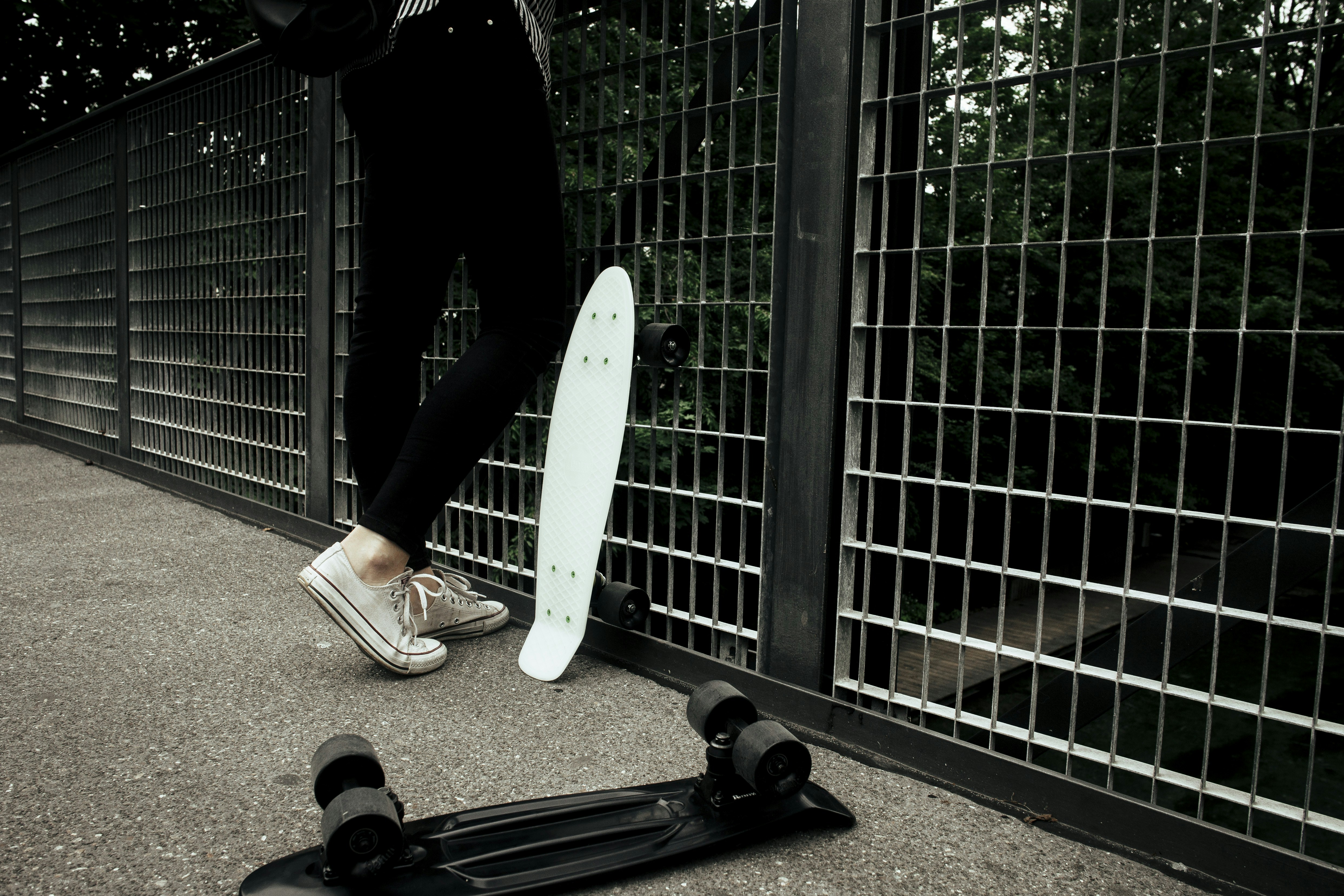
After cruising through the ins and outs of hoverboard learning, here’s the bottom line from the Hoverboarding™ team: hoverboards are not hard to learn—especially with the right mindset, safety gear, and a quality board under your feet. Thanks to modern self-balancing technology, even beginners can get rolling confidently within an hour or less.
Positives of Hoverboards for Beginners
- Self-balancing tech makes staying upright intuitive.
- Smooth controls respond to subtle foot pressure, not awkward body leans.
- Wide range of beginner-friendly models with safety certifications (UL 2272) and speed limiters.
- Fun factor is off the charts—once you get the hang of it, it’s pure joy!
- Portable and versatile for commuting, leisure, or just showing off your moves.
Challenges to Keep in Mind
- Mounting and dismounting can be tricky at first—take your time!
- Balance and coordination are essential; some may need more practice.
- Safety gear is a must to avoid injuries during the learning phase.
- Environmental factors like uneven or wet surfaces can increase difficulty.
Our Confident Recommendation
If you’re curious about personal electric vehicles and want a fun, accessible, and relatively easy-to-learn ride, a hoverboard is an excellent choice. We especially recommend models like the Swagtron T580 and Segway Ninebot S for their stability and beginner-friendly features. Remember: patience, practice, and safety gear are your best friends on this journey.
So, ready to take the plunge? Your hoverboard adventure awaits—just follow our tips, gear up, and enjoy the ride!
🔗 Recommended Links for Hoverboard Enthusiasts
Shop Top Beginner Hoverboards
- Swagtron T580:
Amazon | Walmart | Swagtron Official Website - Segway Ninebot S:
Amazon | Segway Official Website - Gyroor Warrior:
Amazon - Hover-1 Titan:
Amazon - Razor Hovertrax 2.0:
Amazon | Razor Official Website
Recommended Books on Hoverboarding and Balance Training
- Balance Training: Improve Stability, Coordination & Core Strength by John Smith
Amazon Link - The Beginner’s Guide to Personal Electric Vehicles by Lisa Chen
Amazon Link - Safety First: Protective Gear and Injury Prevention for Riders by Mark Johnson
Amazon Link
❓ Frequently Asked Questions About Hoverboard Learning
How to ride a hoverboard for beginners?
Riding a hoverboard starts with mounting carefully—place your dominant foot first, then the other, standing relaxed with knees slightly bent. Use gentle foot pressure to move forward, backward, and turn. Practice on flat, open surfaces with protective gear. Short, focused sessions help build confidence quickly. Remember, the board balances itself, so focus on smooth pressure rather than leaning your whole body.
How hard is it to balance on a hoverboard?
Balancing on a hoverboard is easier than many expect due to self-balancing gyroscope technology. The board automatically adjusts to keep you upright. Your job is to maintain steady foot pressure and keep your body relaxed. Beginners typically find balance challenging only during mounting/dismounting or on uneven terrain. With practice, balance becomes second nature.
How long does it take to learn to ride a hoverboard?
Most riders reach a comfortable skill level within 30 minutes to an hour of practice. Individual times vary depending on age, fitness, and prior experience with balance sports. Consistent practice over a few days will improve control and confidence significantly.
What are the easiest hoverboards for beginners to use?
Models like the Swagtron T580 and Segway Ninebot S top the list for beginners due to their stability, safety certifications (UL 2272), and user-friendly controls. These boards feature speed limiters, smooth acceleration, and responsive sensors that help new riders learn faster and safer.
Do hoverboards require any special skills to ride?
No special skills are required beyond basic balance and coordination. However, having some experience with activities like skateboarding, rollerblading, or even biking can help speed up learning. The most important skill is foot pressure control rather than body leaning.
Can kids easily learn to use a hoverboard?
Yes! Kids aged 8 and up can learn quickly, especially on models designed for beginners with slower speeds and safety features. Always ensure the hoverboard is UL 2272 certified and that kids wear full protective gear. Supervised practice sessions on flat surfaces are recommended.
What safety tips should beginners know before using a hoverboard?
- Always wear a helmet, wrist guards, knee and elbow pads.
- Use only UL 2272 certified hoverboards.
- Practice mounting and dismounting slowly and carefully.
- Avoid wet, uneven, or crowded areas.
- Use the manufacturer’s charger and avoid overcharging.
- Start slow and gradually increase speed and complexity.
Are hoverboards suitable for all ages and skill levels?
Hoverboards are suitable for a wide range of ages and skill levels, from kids to adults. However, younger children and older adults should choose models with appropriate weight limits, speed settings, and stability features. Physical fitness and balance ability also affect suitability.
What are common challenges when learning to ride a hoverboard?
Common challenges include:
- Mounting and dismounting safely.
- Maintaining balance without overcorrecting.
- Controlling foot pressure to avoid jerky movements.
- Overcoming fear of falling.
- Navigating turns smoothly.
These challenges can be overcome with patience, practice, and proper safety gear.
📚 Reference Links and Resources for Hoverboard Beginners
- Electric Unicycle Forum: Hoverboard vs Electric Unicycle
- Two Wheeling Tots: Best Hoverboards for Kids & Safety Guide
- Business Insider: What It’s Like to Ride a Hoverboard for a Week
- UL 2272 Certification Details
- Swagtron Official Website
- Segway Official Website
- Razor Official Website
- Hoverboarding™ Beginner’s Guide